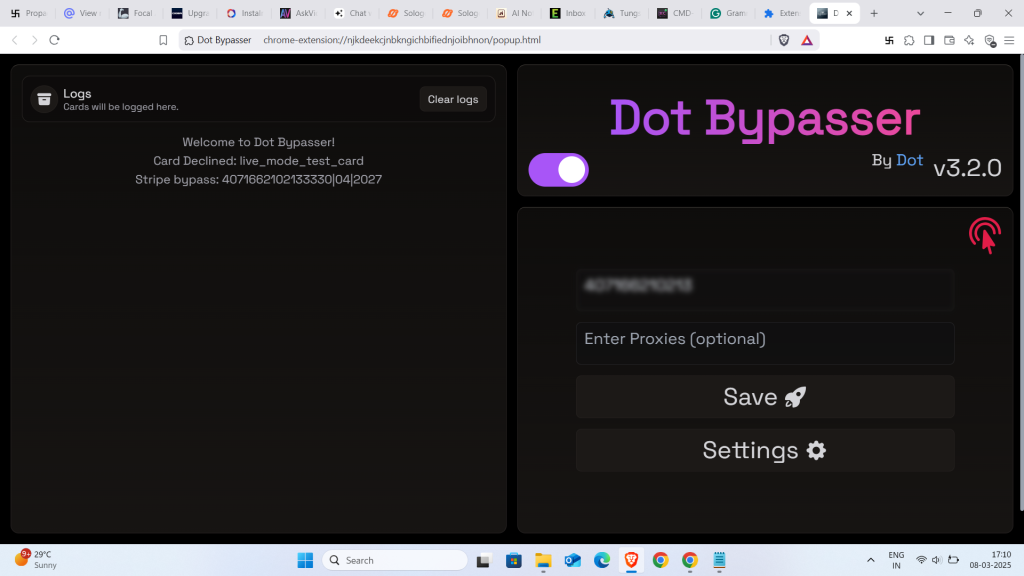
DotBypasser is a browser extension designed to bypass paywalls and website restrictions. Here’s how to use it on both desktop and mobile:
Desktop Installation:
- Download the ZIP file named
dot-bypasser-X.X.X-chrome.zip(where X.X.X is the version number) from the official repository. - Extract the ZIP file into a folder
- Open Chrome and navigate to
chrome://extensions - Enable “Developer mode” in the top right
- Click “Load unpacked” and select the extracted folder.
Mobile Installation:
For mobile devices, you’ll need to use a browser that supports extensions like Kiwi Browser:
- Download the same ZIP file (
dot-bypasser-X.X.X-chrome.zip) to your mobile device^1^ - Install Kiwi Browser or Lemur from the app store
- In Kiwi Browser, go to Extensions settings
- Enable “Developer mode”
- Select “Load from zip file” and choose the downloaded ZIP file
Important Notes:
- No certificate installation is required to use DotBypasser^2,5^
- The extension supports multiple payment gateways and bypass methods^2,5^
- Some users have reported issues with certain versions, so ensure you’re downloading from the official repository^9^
The extension works by modifying how your browser interacts with certain websites, allowing you to access content that might otherwise be restricted behind paywalls or regional blocks.
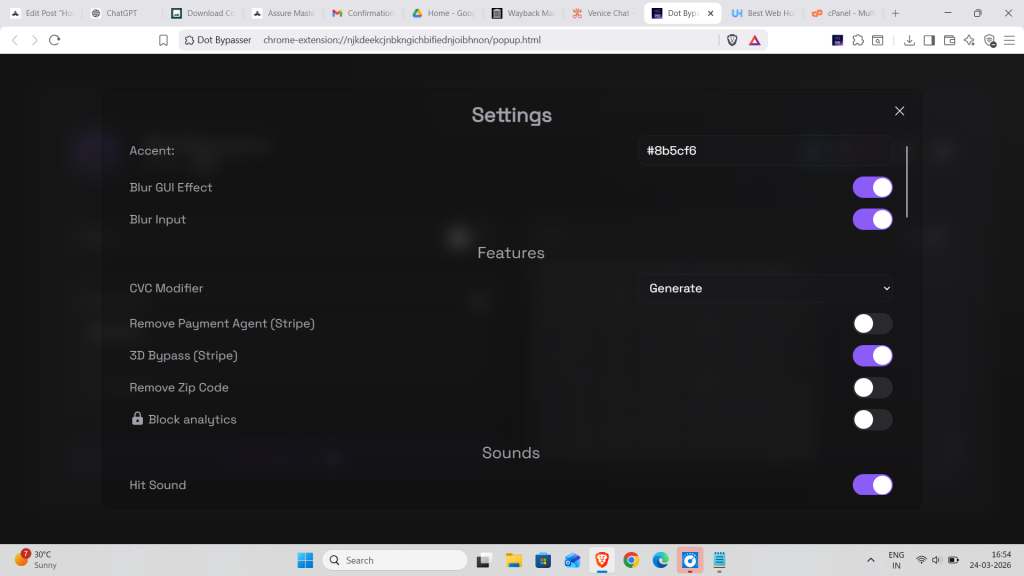
Dotbypasser Setting